Industry solution · Marble & Stone
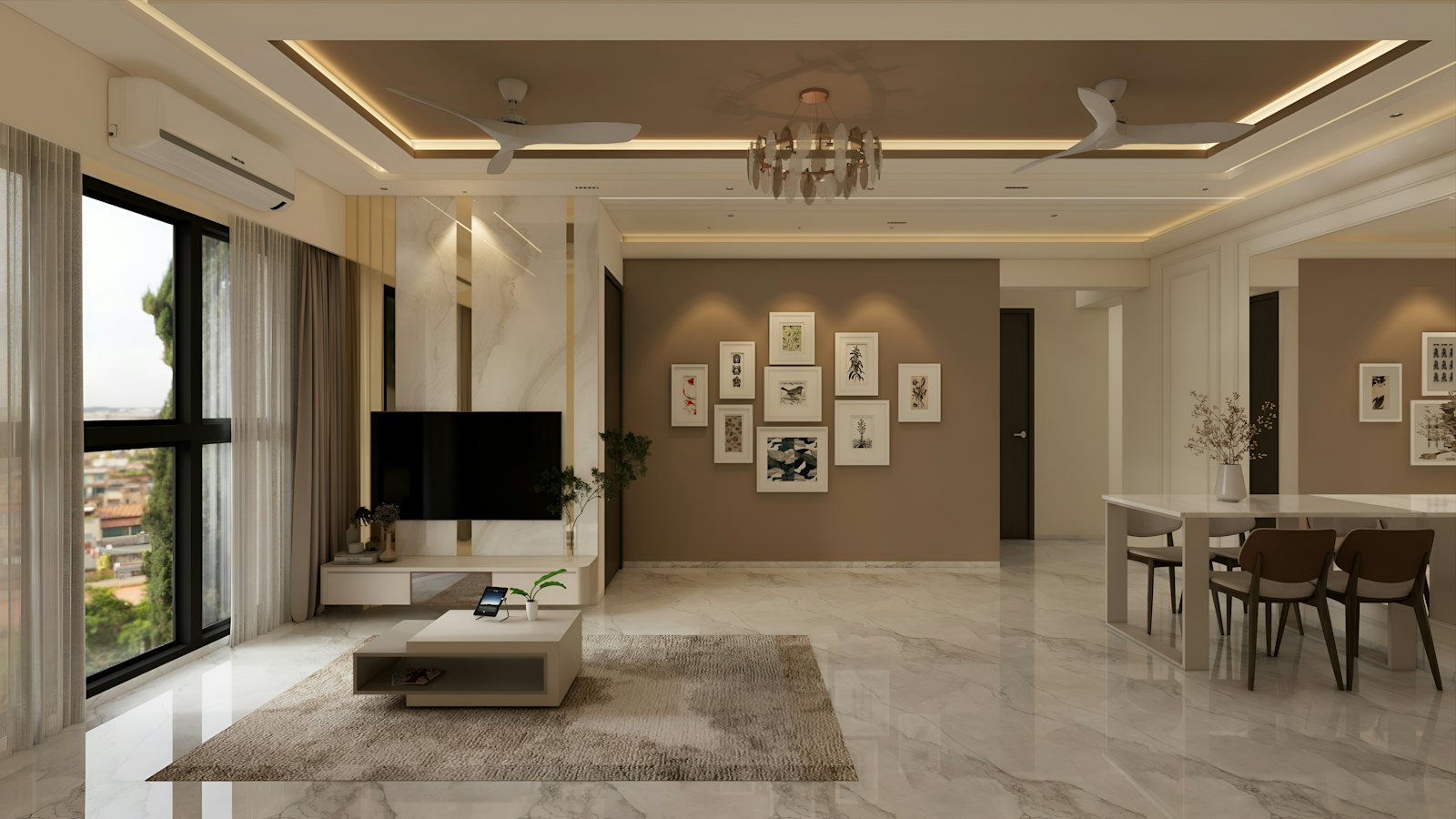
Show marble the way it will look in the room
Marble and stone-effect tiles are chosen by how the veining looks in a real space. CatalogSetu lets buyers see large-format designs on a floor or wall and compare them side by side.
Marble & Stone
What you can do with CatalogSetu
Large formats
Show 800×1600 and 1200×2400 mm designs at true size on a floor or wall.
Bookmatch layouts
Preview a bookmatch laying pattern on a room photo.
Compare designs
Put several designs side by side with their sizes and finishes.
Architect presentations
Present a shortlist full screen in a client meeting.
The tools
Everything a marble & stone business needs
How it works
From product list to every buyer’s screen in five steps.
CatalogSetu fits the way your sales team already works. Your products go in once; catalogues, room previews and dealer updates come out of the same data.
- 01
Add your range
Upload designs with photos, sizes, prices and variants, or import your product sheet and photos in one go.
- 02
Add your brand
Add your logo and colours. Your PDF catalogue and QR labels for the showroom are generated for you.
- 03
Share one link
Send a catalogue link, QR code or PDF to dealers, architects and buyers on WhatsApp or email.
- 04
Show it in a room
Buyers see your tile in a ready room or on a photo of their own room, or in a 3D room they can rotate 360°.
- 05
Publish changes
Edit a price or add a design, publish a new release, and the same link shows it.
Other industries
Also built for
 01
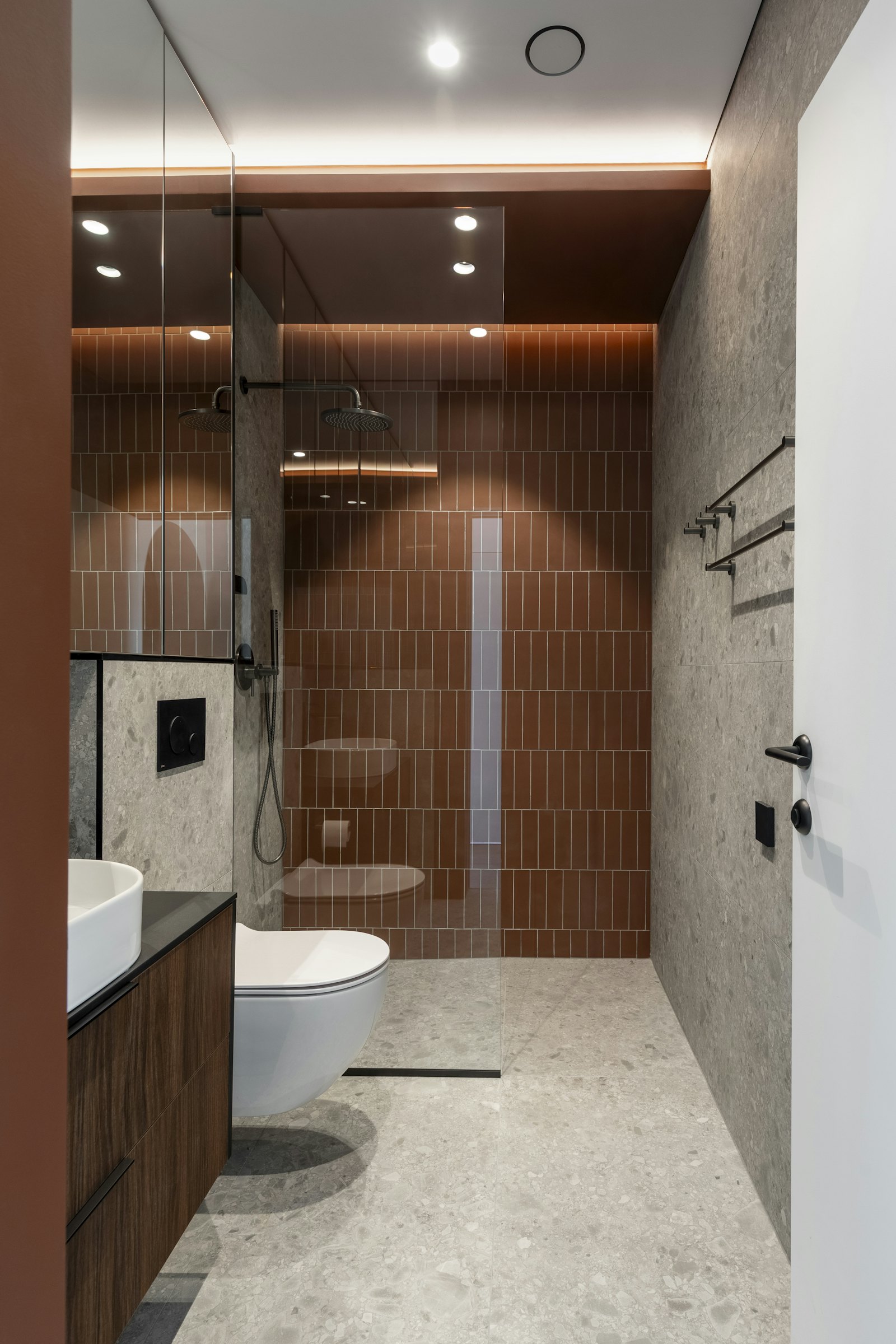
Ceramic Tiles
Catalogues, room previews and presentations for tile manufacturers, exporters and dealers.
Explore solutions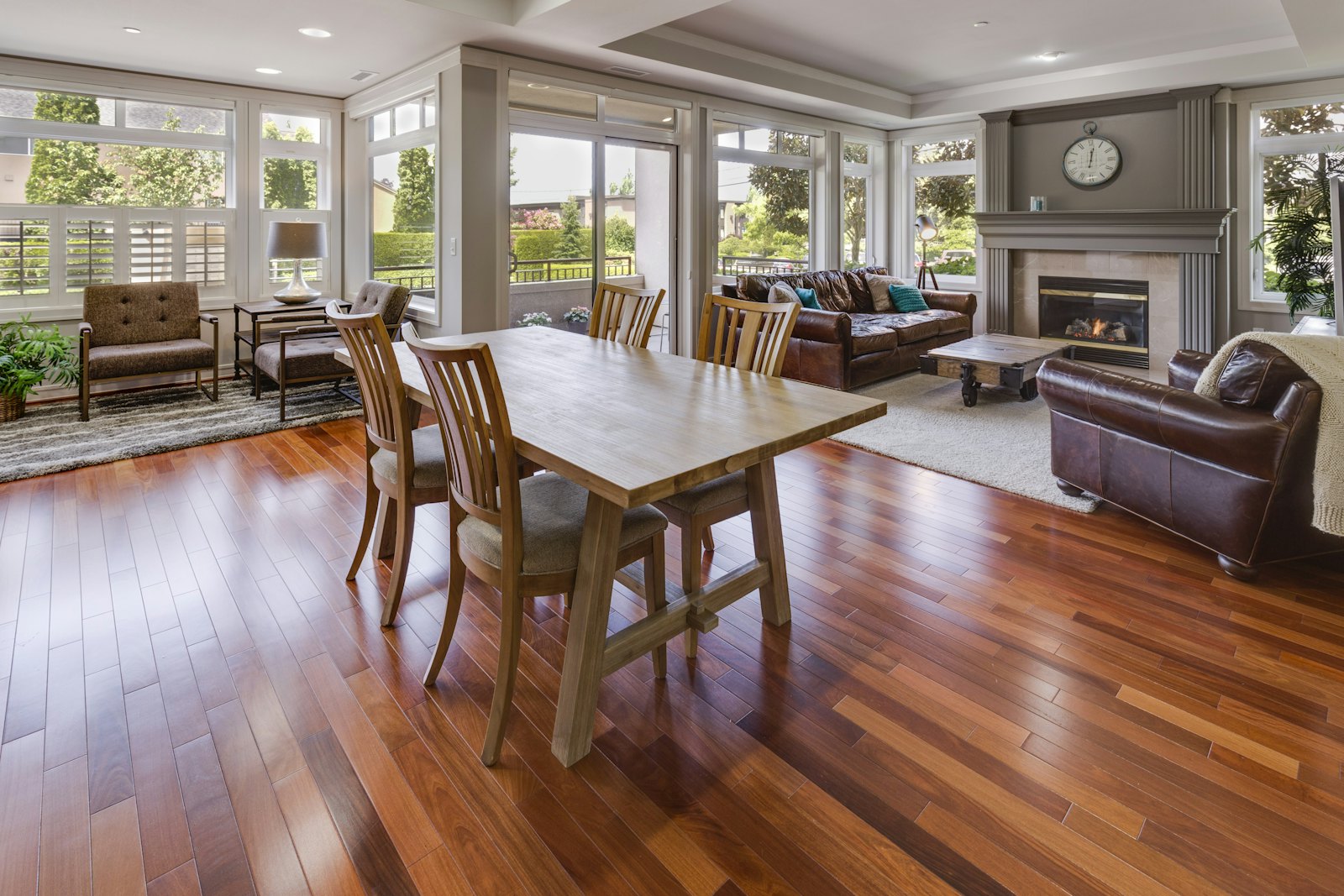 03Coming soon
Laminates & Plywood
Large design libraries organised by shade, texture and thickness.
See the plan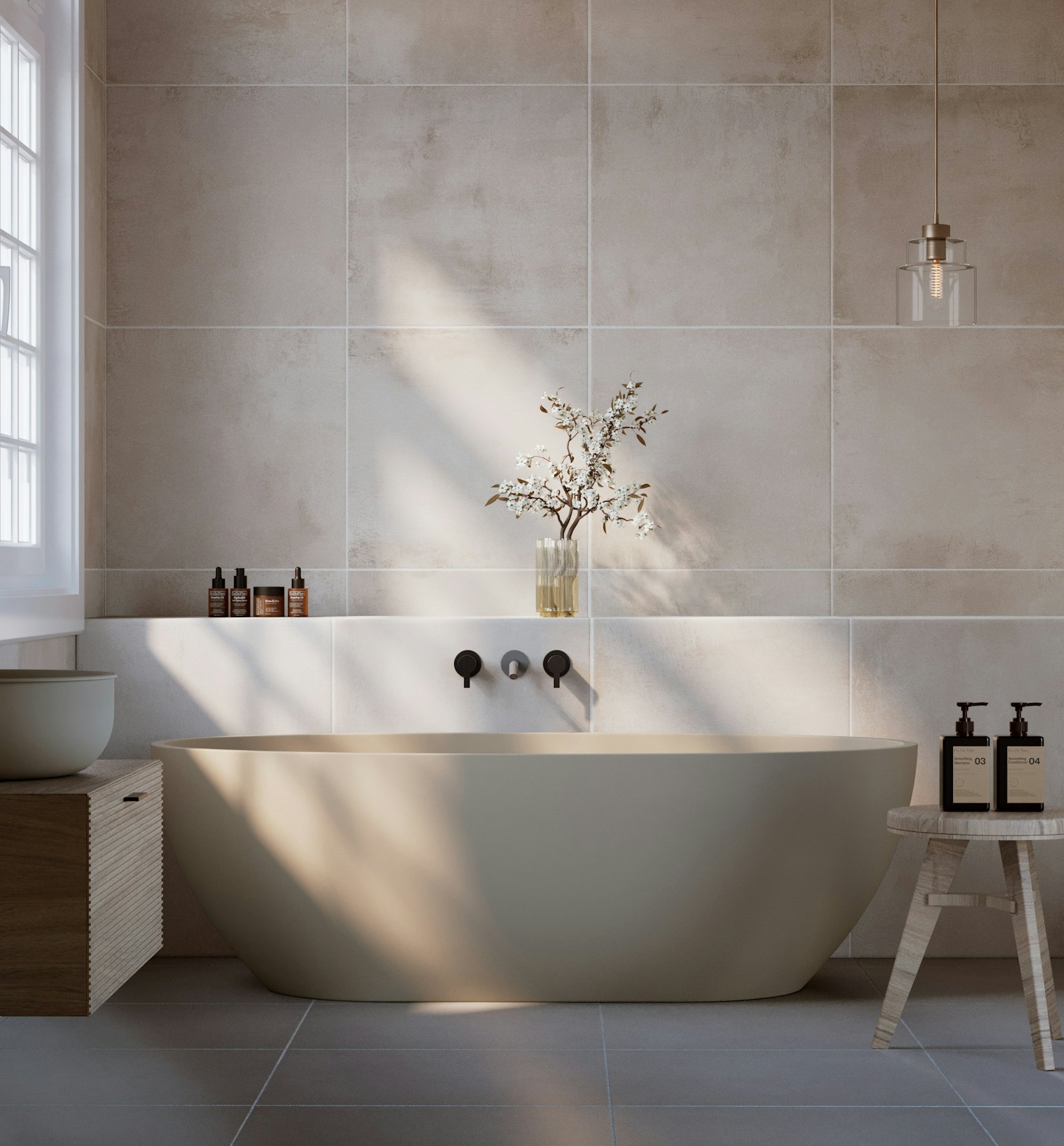 04Coming soon
Sanitaryware
Fixture ranges, colours and bathroom sets for showrooms and projects.
See the plan 05Coming soon
Hardware & Fittings
Thousands of SKUs made easy to search.
See the plan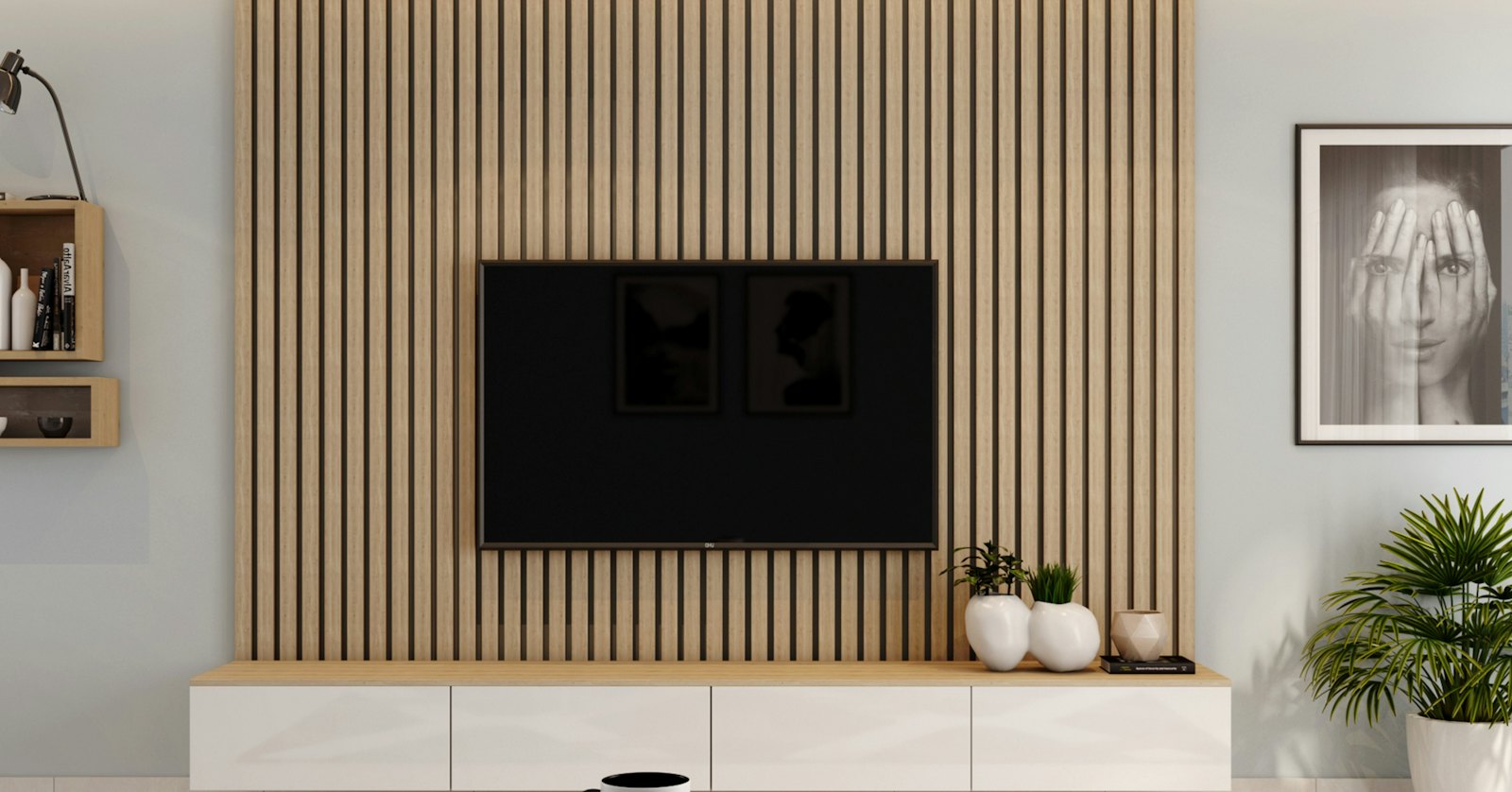 06Coming soon
Louvers & Wall Panels
Profiles and finishes shown on real walls.
See the planReady to show your range the modern way?
Send us your product list and photos, and we will show your own designs working in the catalogue, the room preview and a presentation.