Studio
See your tile in a real room, in seconds
Everything on this page was made with CatalogSetu Studio: the pictures below are real exports from it, laid on room photos that anyone can use.
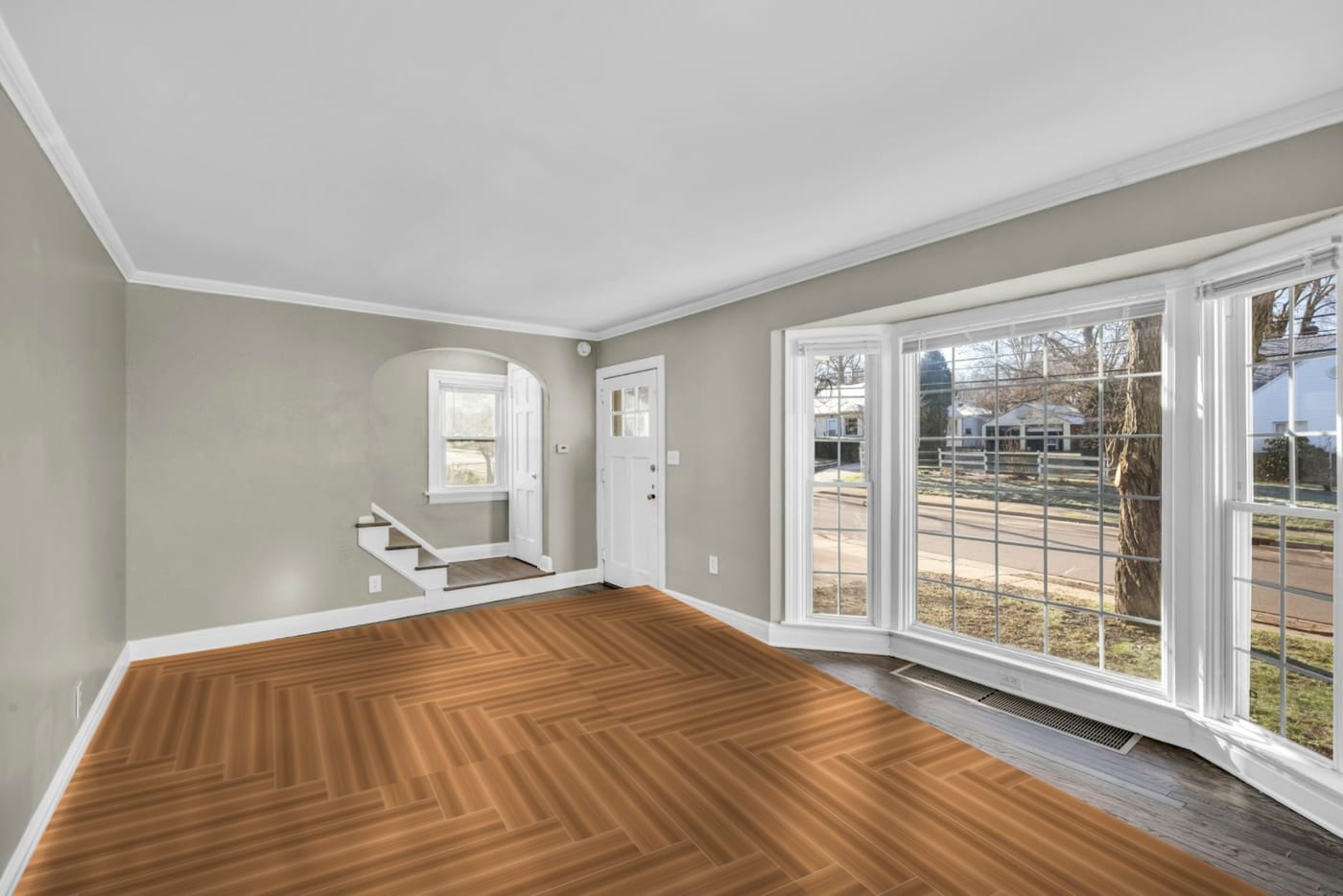
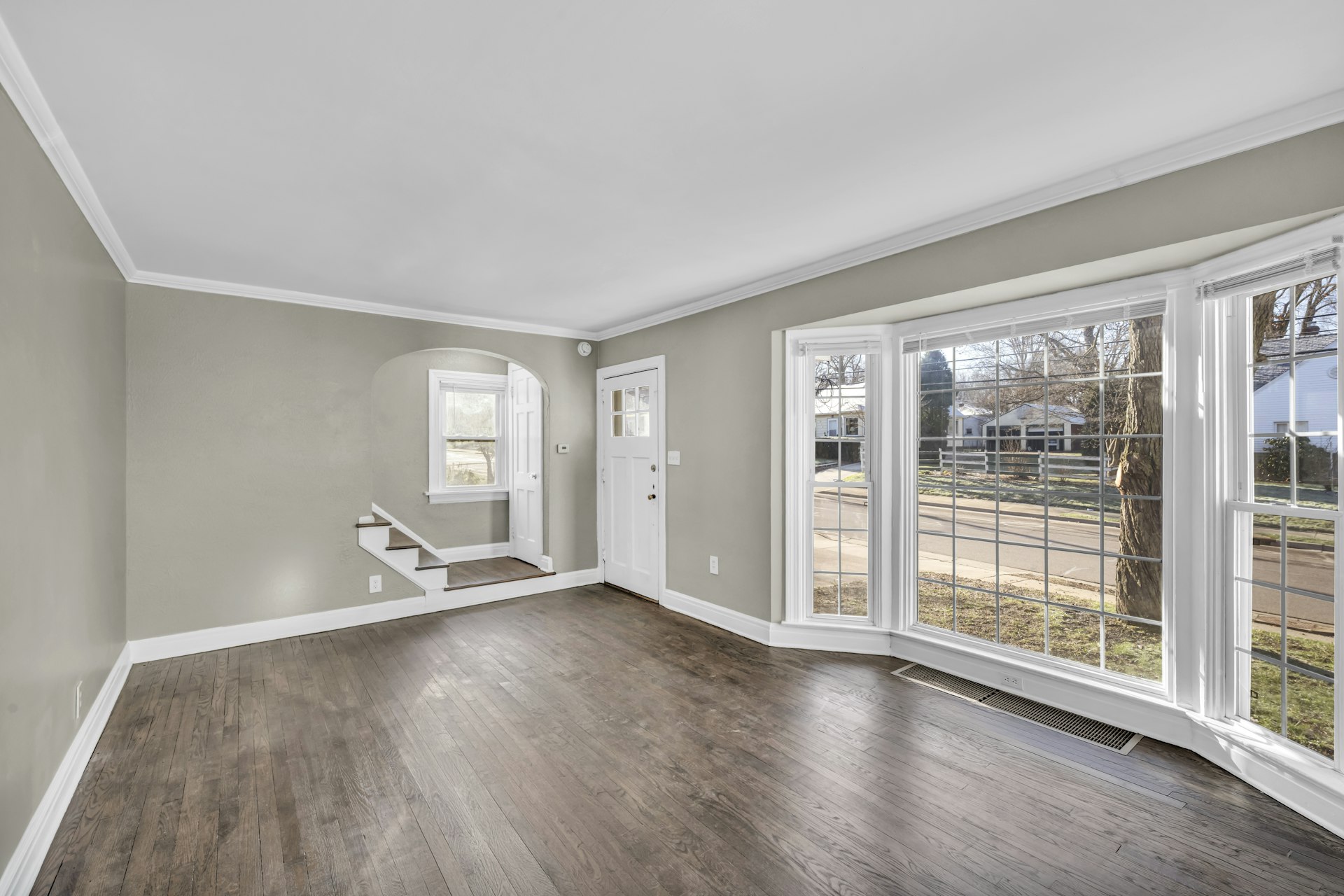
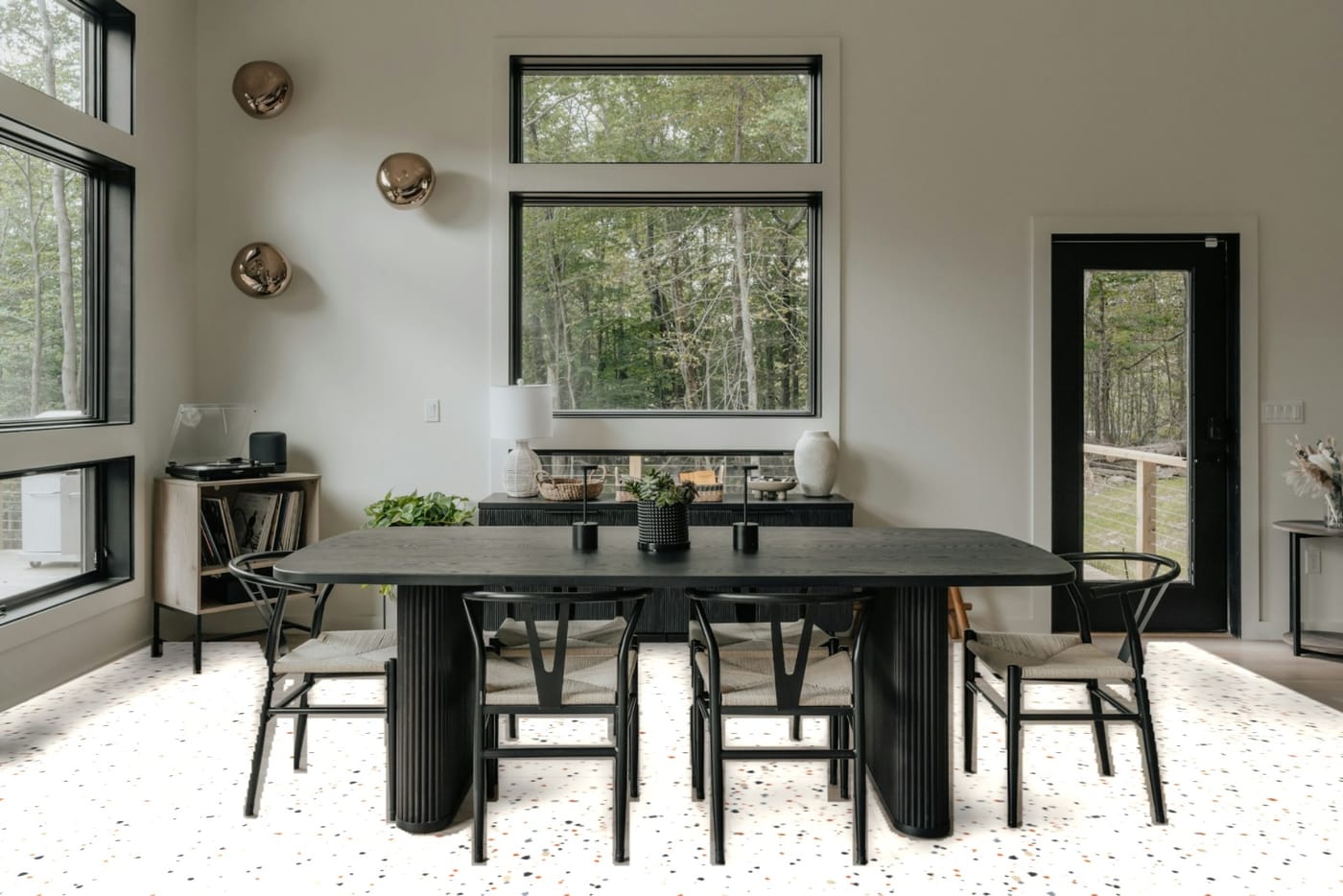
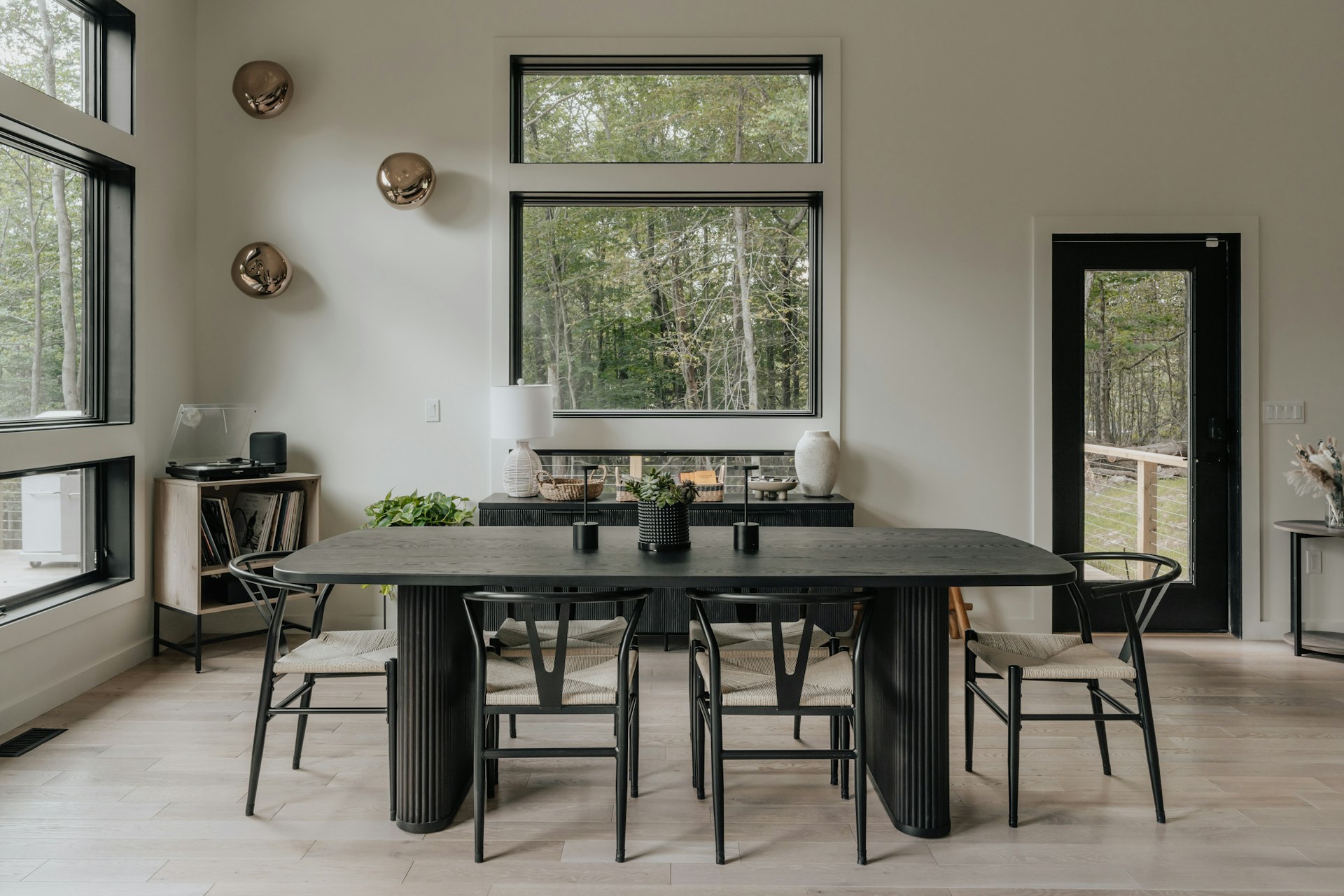
Before and after
Drag to compare
The same room, with and without a tile laid in it.
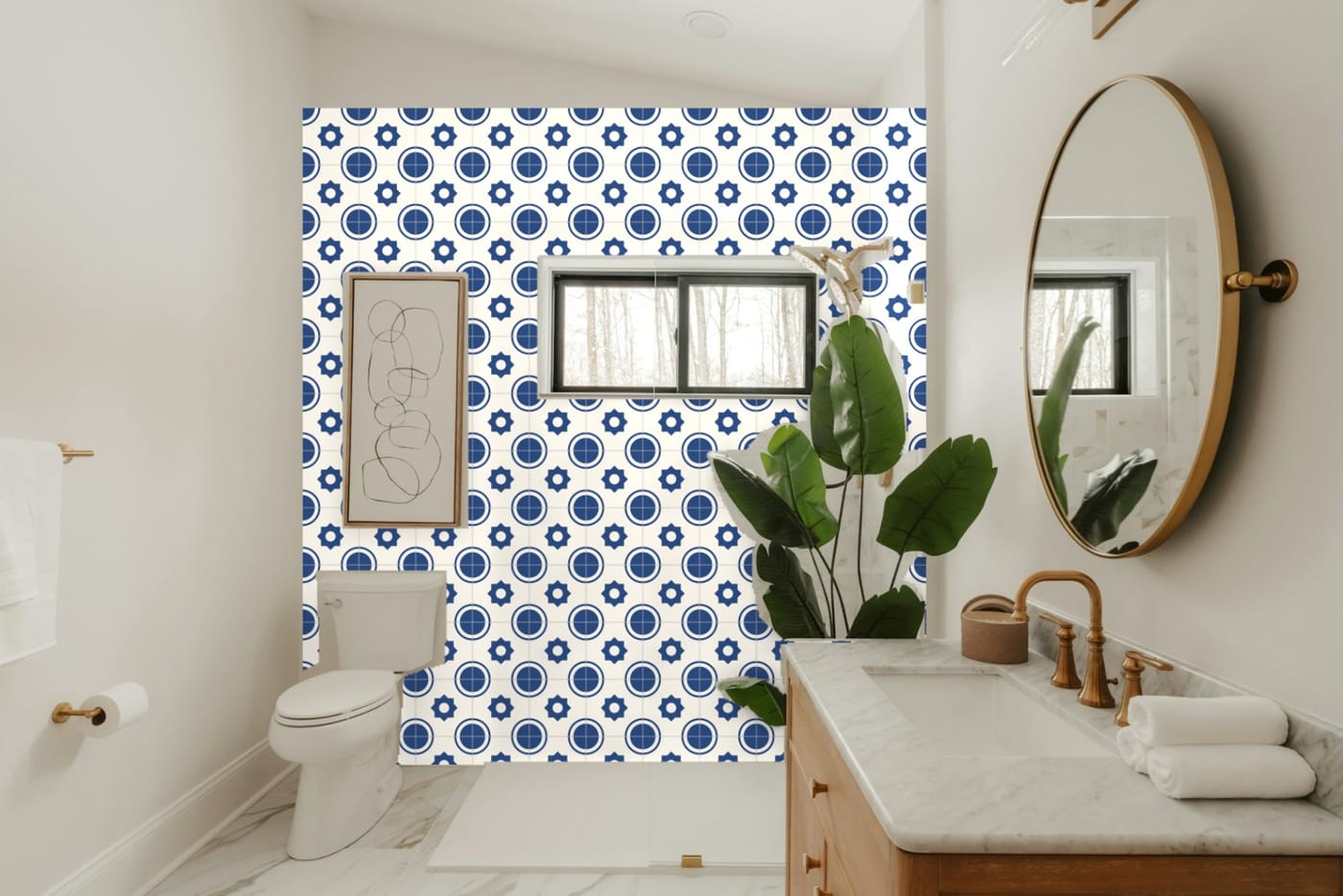
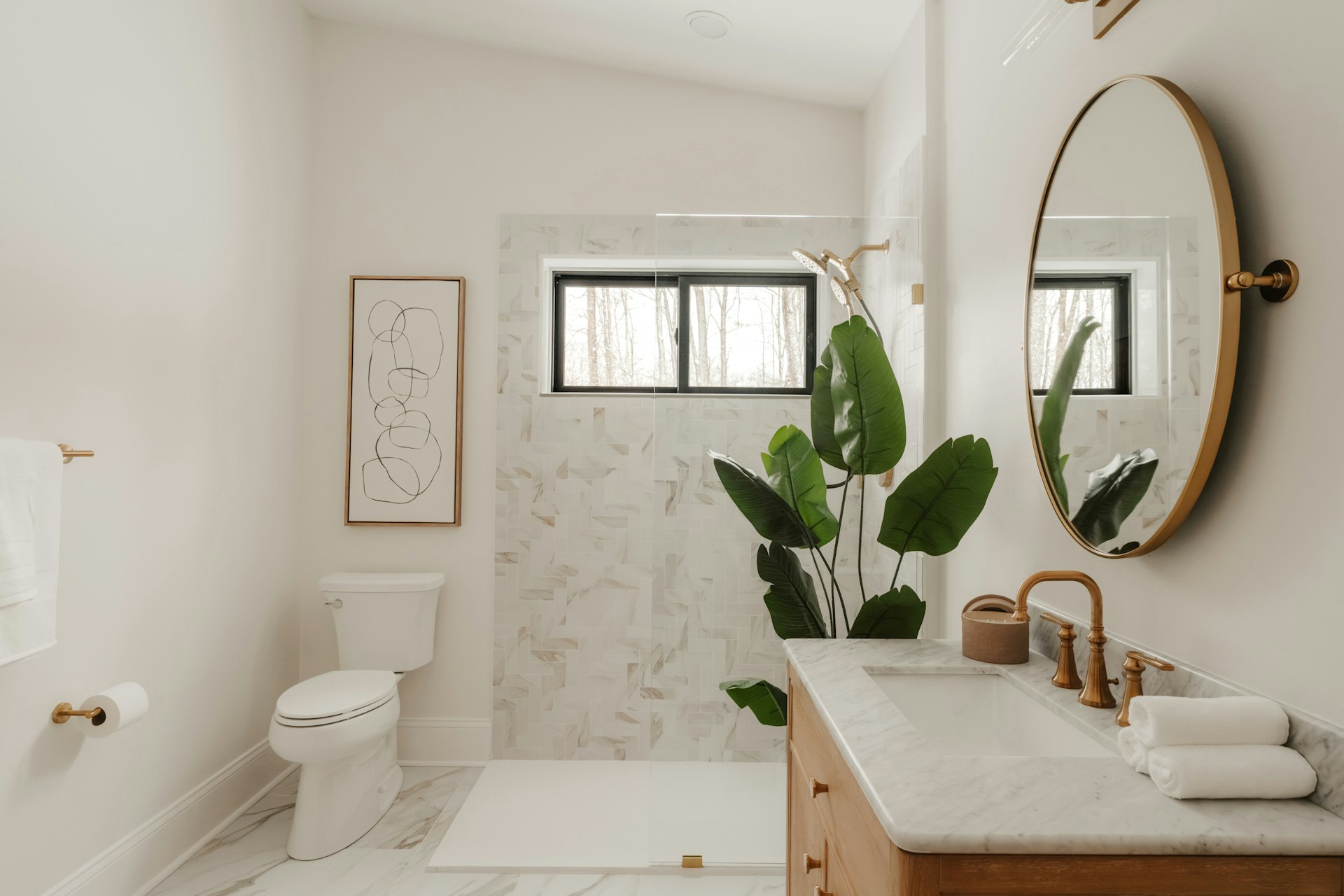
More rooms
One tile library, every kind of space
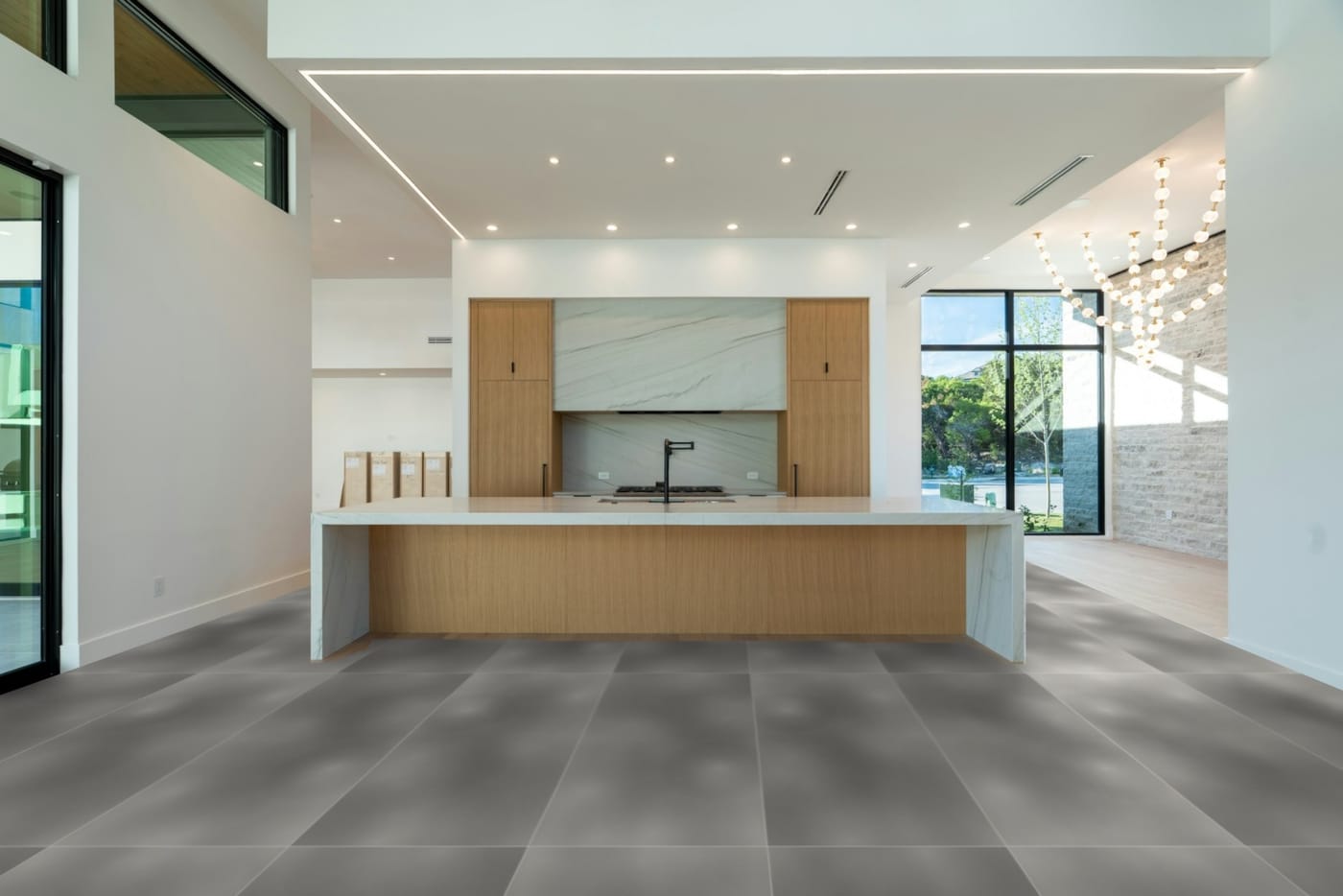
Kitchen · cement-look 600×1200
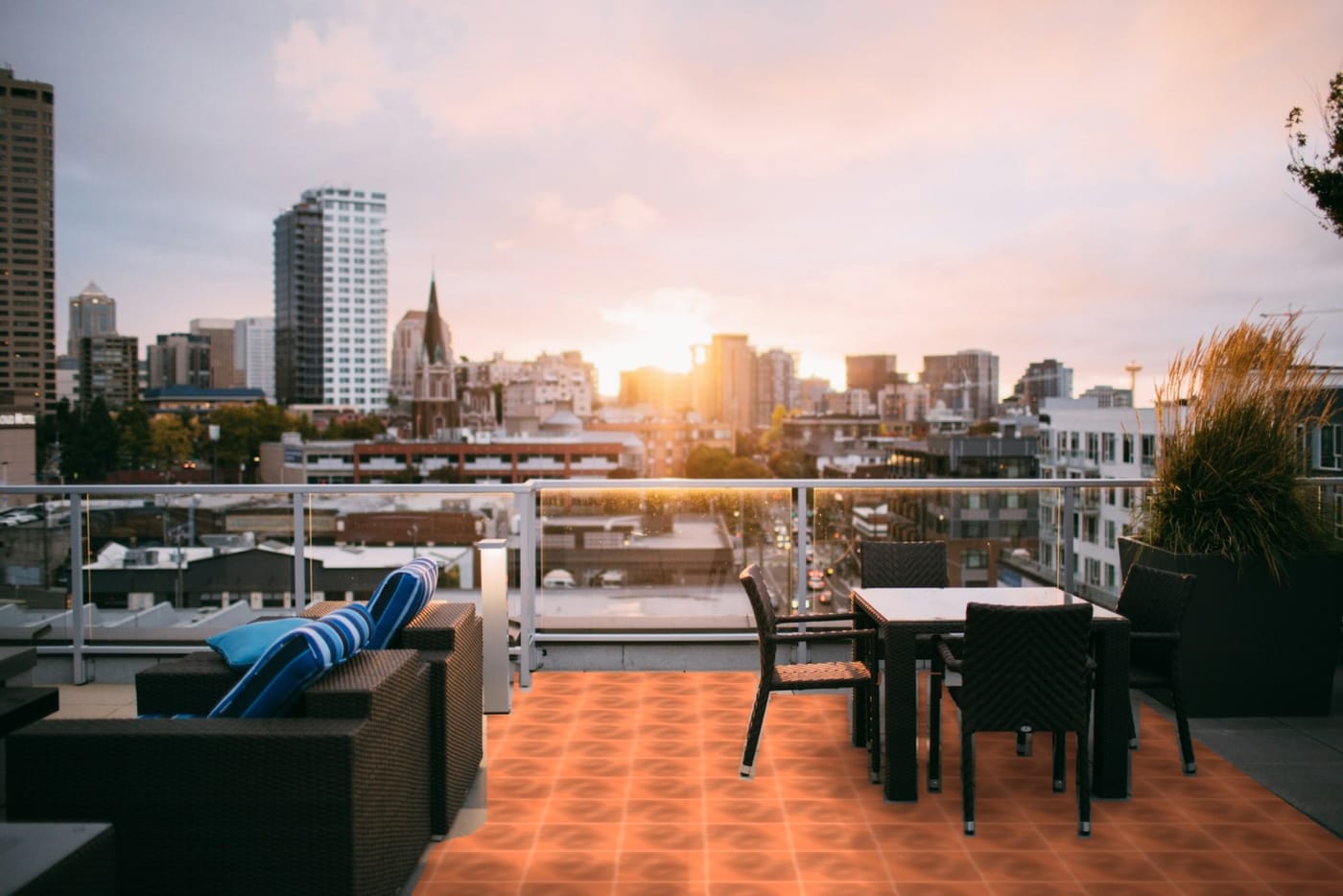
Terrace · terracotta
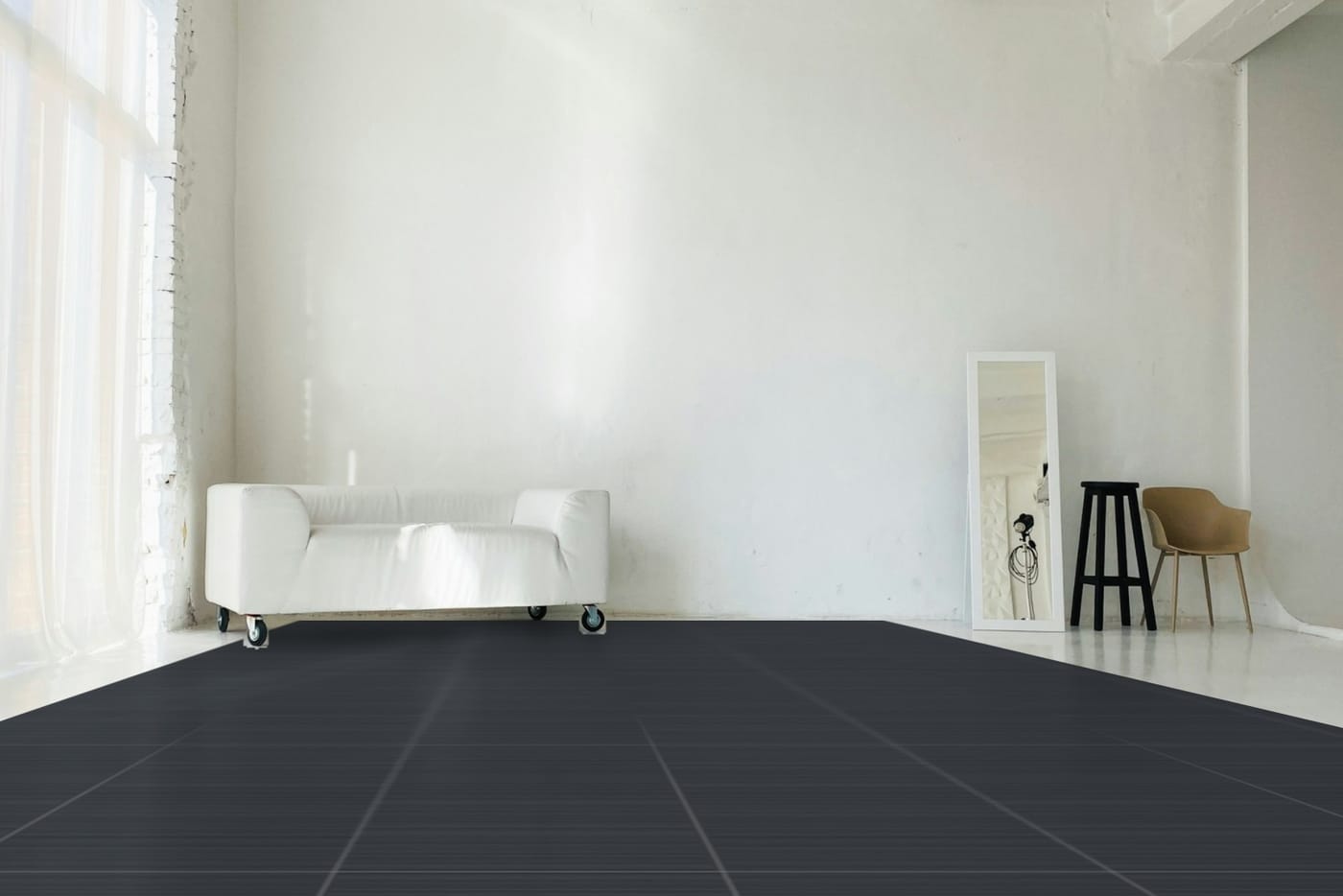
Studio · slate
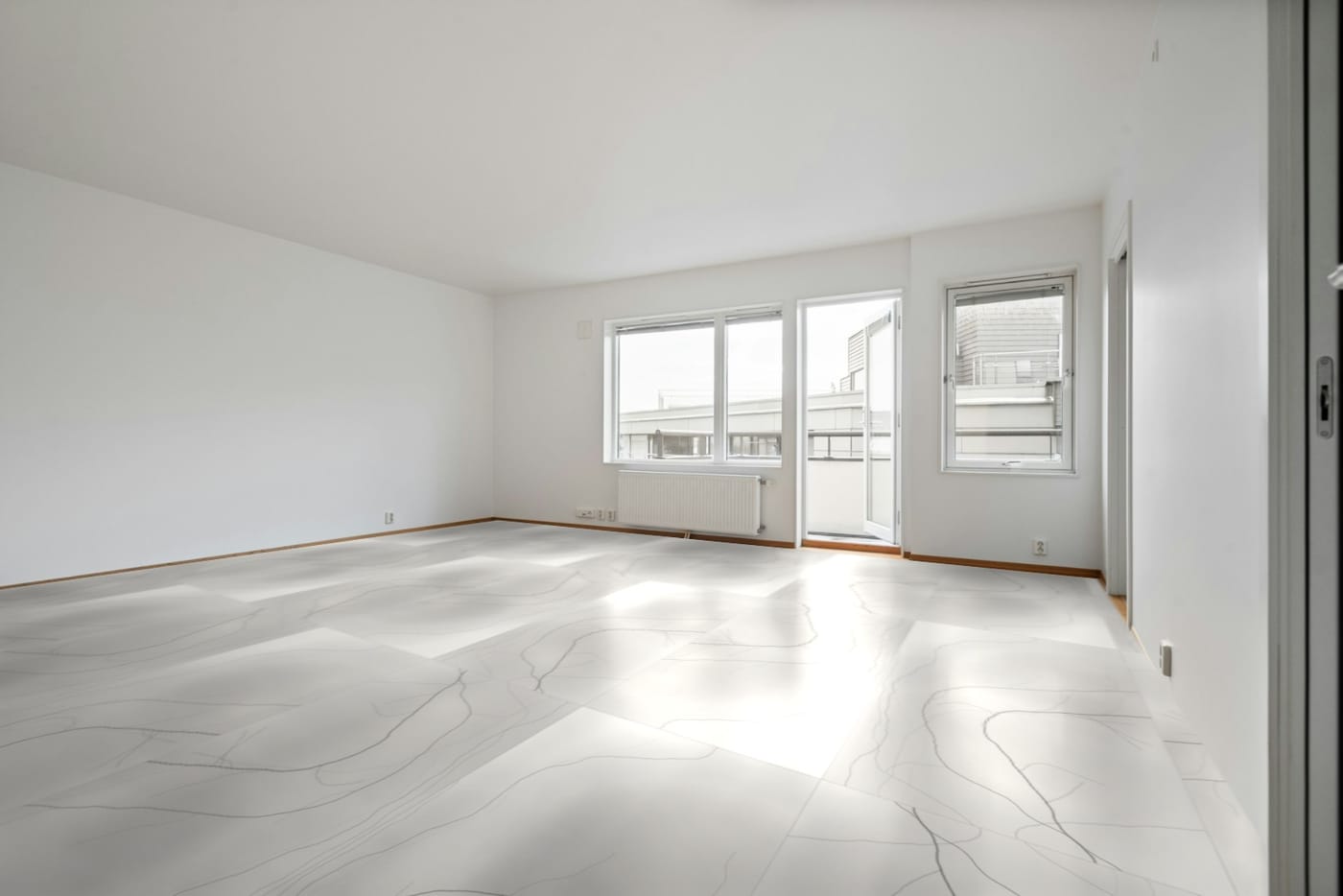
Living room · marble 800×1600
What is in the Studio
Made for the way tiles are sold
Ready rooms and your own photo
Pick a living room, bedroom, kitchen, dining room, bathroom, office or terrace, or upload a photo of the buyer’s room and mark the floor or wall with four corners.
Furniture stays in front
Each ready room has its sofas, tables, columns and fixtures marked out, so tiles go behind them. On your own photo, brush over anything that should stay.
Undo everywhere
Undo, redo and reset cover the corners, tile size, zoom, position, pattern, grout, light and branding. One slider drag is one step.
True size, then zoom
Set the real size of the surface so tiles look right, then zoom or slide the tiles without changing that size.
Laying patterns and grout
Grid, brick, mirror, herringbone, chevron, diagonal and bookmatch, grout width and colour, and gloss, sparkle and edge effects.
Your logo and text on the picture
Add a logo, your own text or the tile’s details. Move, resize, style and layer them, then download the image with your branding and a crop for social posts.
Presentations and kiosk mode
Full-screen presentations with autoplay, saved lists and a kiosk mode for a showroom screen.
A link that needs no sign-in
Send a view-only link to a ready room with your tile in it. The buyer opens it on their phone, tries other designs and needs no account.
What to expect today
- Room previews and 3D are for tiles. Other products are not supported yet.
- The 3D rooms are simple modelled rooms (living room, kitchen, bathroom, terrace), not photographs.
- A shared room link opens a ready room; a buyer’s own photo stays on their device.
- More ready rooms are being added. Tell us the room types your buyers ask for.
Ready to show your range the modern way?
Send us your product list and photos, and we will show your own designs working in the catalogue, the room preview and a presentation.